

Customers & scheduling
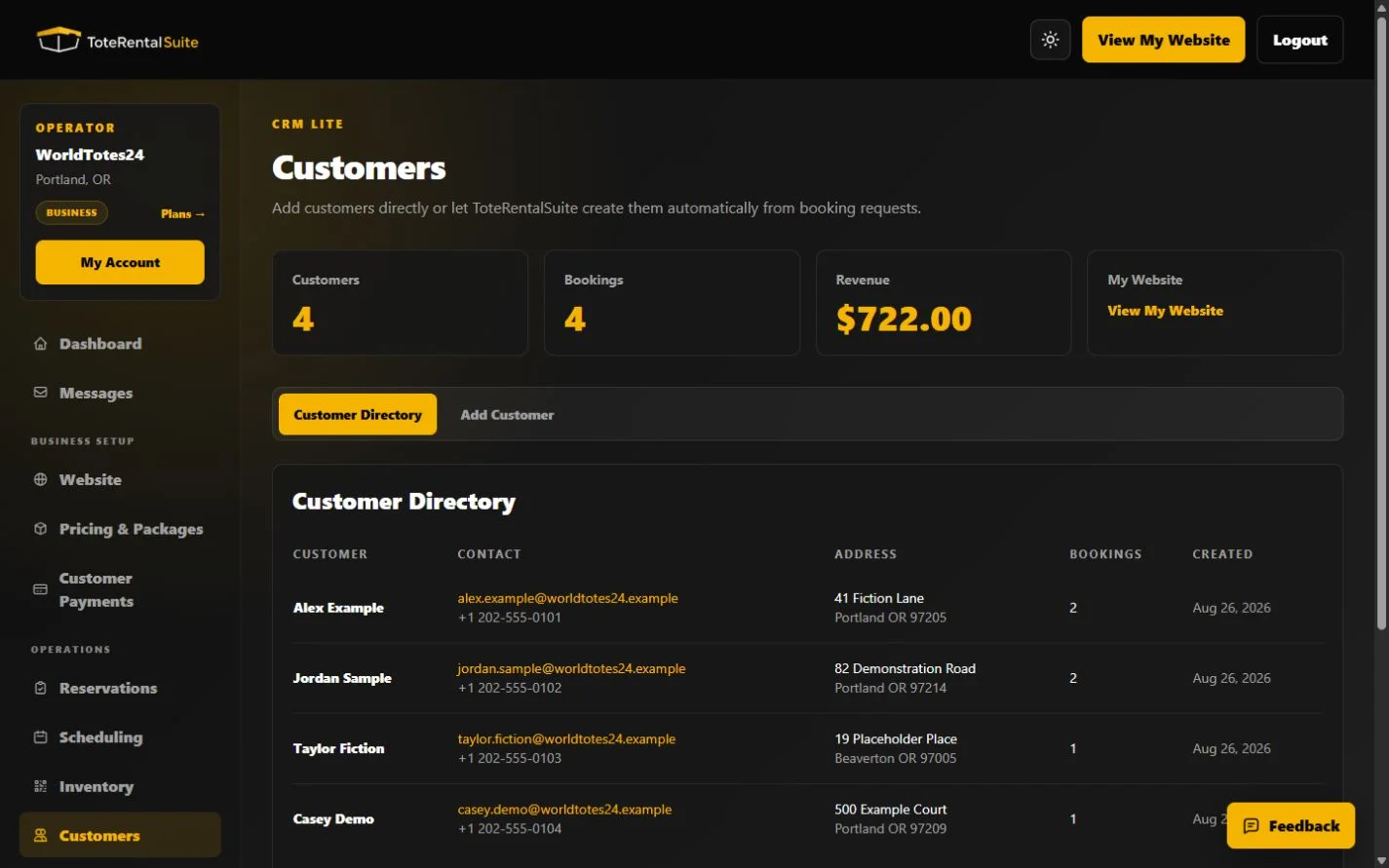
Use the customer directory
Find customers created by reservations or add a customer directly for operator workflows.
How customers are created
A booking can create or reuse a customer based on the submitted information. Operators can also add a customer directly from the Add Customer tab. Review the directory list for a matching name, email, or phone before creating a duplicate.
- Check for an existing record
Review the customer directory for a matching name, email, or phone before creating a duplicate. The current directory is a list view without a separate search field.
- Add only necessary data
Enter the customer’s name and appropriate contact and address details.
- Use Reservations for rental activity
The directory is the contact record; booking dates, packages, invoices, and operations belong to reservations.
Privacy
Store only information needed to operate the rental. Use fictional data for training and screenshots, and follow the privacy controls and policies applicable to your business.