

Getting started
Create your first test reservation
Verify pricing, availability, customer creation, schedule entries, and the reservation detail workflow.
Create a safe test
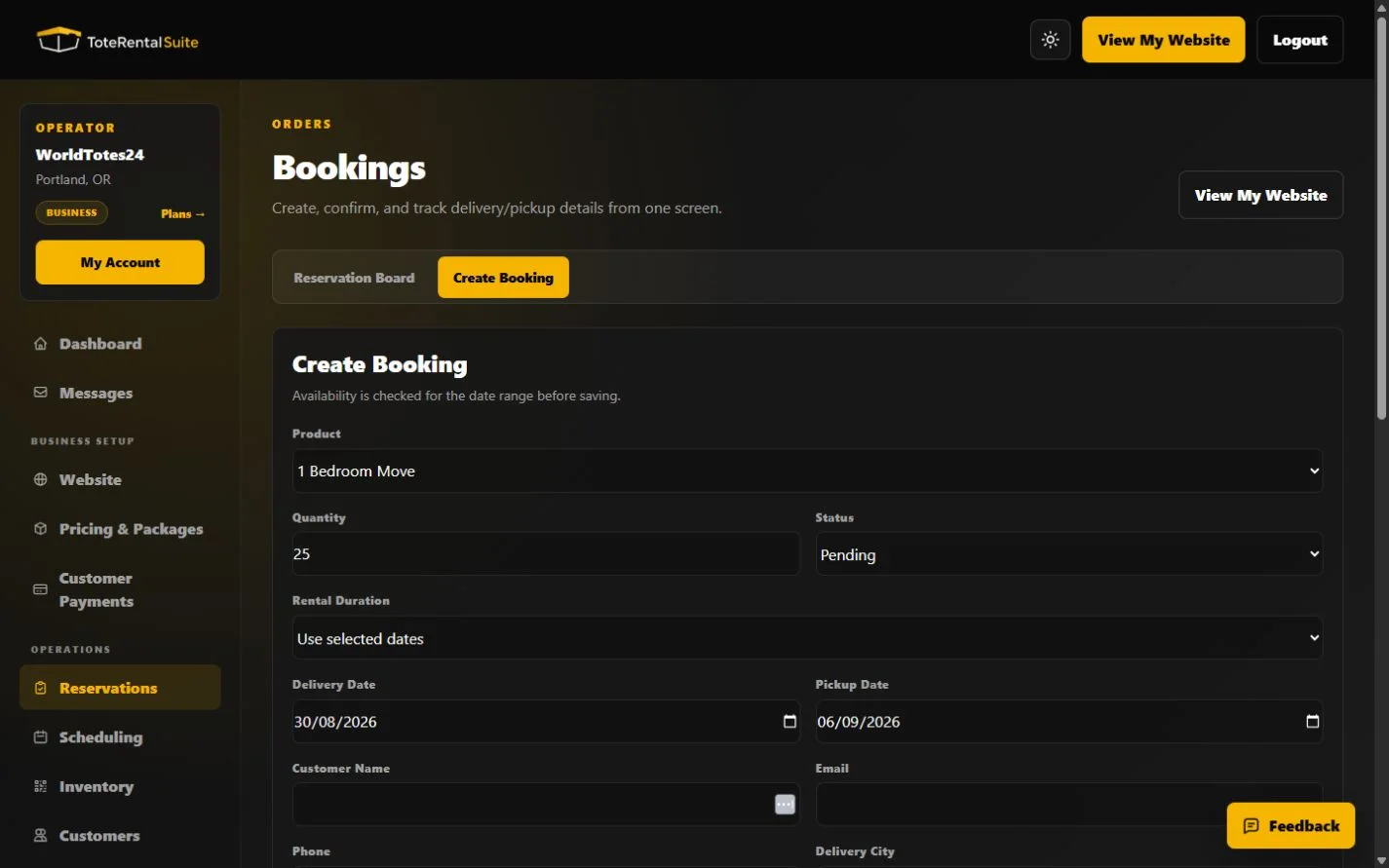
The operator form checks the selected date range before saving. A saved reservation also creates or reuses a customer record and appears on the schedule when its status holds inventory.
- Choose Create Booking
Select a package, quantity, status, duration or explicit dates, and fulfillment details.
- Use fictional customer data
Use an example-domain email address and a clearly fictional phone number.
- Save and inspect the detail page
Check Customer & Rental, Invoices, Communications, and Timeline.
- Check downstream views
Confirm the reservation appears on the Reservation Board, Scheduling, and the customer directory.
Status matters
Quote, pending, confirmed, delivered, completed, and cancelled are the available reservation statuses. Quote, cancelled, and completed reservations release capacity; pending behavior depends on the Publishing setting.