

Customers & scheduling
Use the day, week, and month schedule
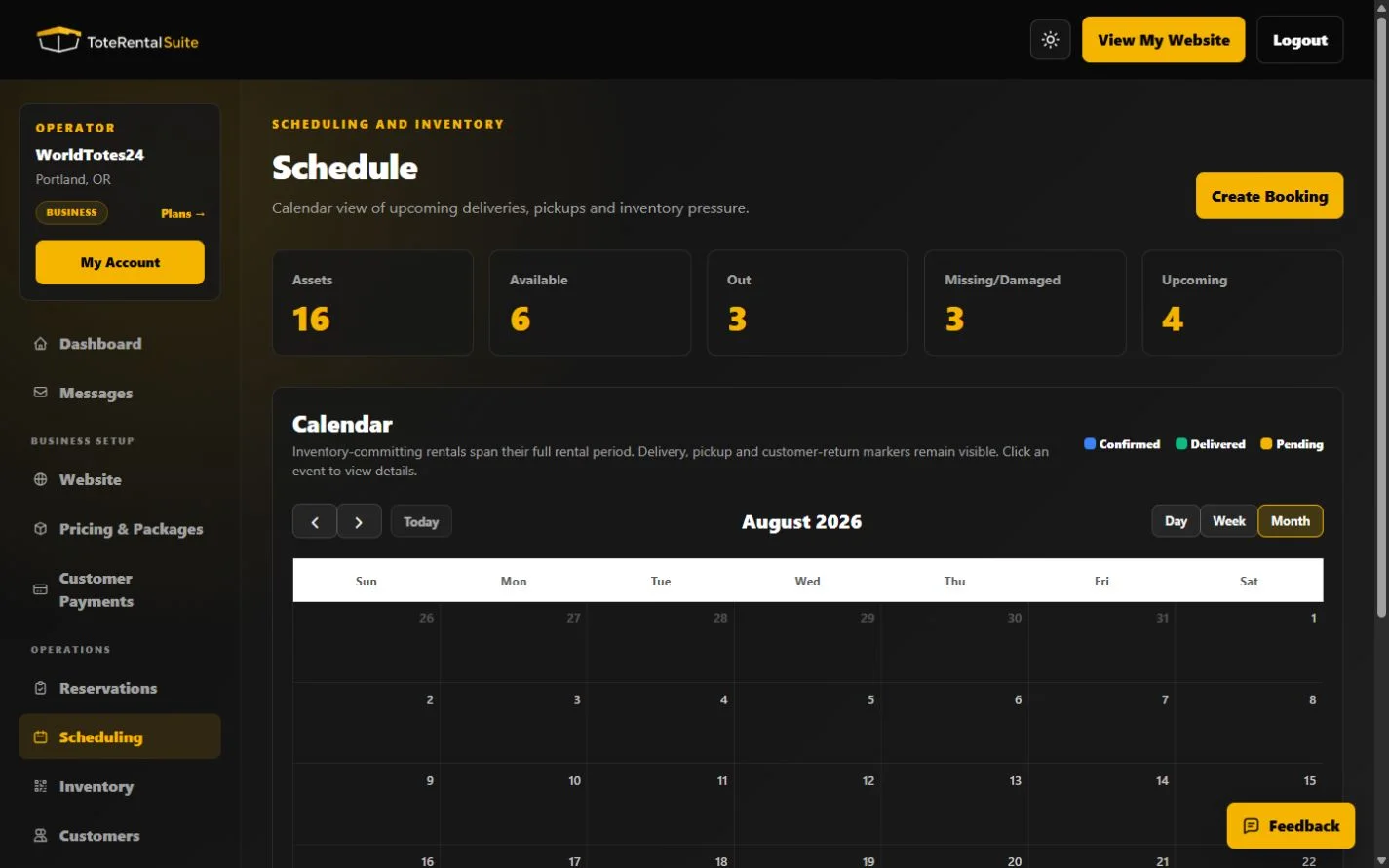
See rental spans and delivery, pickup, and customer-return markers in a calendar.
Choose the right view
Day, Week, and Month views use the same reservation data at different levels of detail. Rental spans and delivery, pickup, or customer-return markers help coordinate operations. Released statuses are excluded from active schedule commitments.
Operational review
- Start with Month
Identify crowded periods and overlapping commitments.
- Switch to Week or Day
Use more detail when dispatching deliveries, pickups, and returns.
- Open the reservation
Use the booking detail for instructions, customer contact, payment, and agreement evidence.