

Reservations
Use the Reservation Board
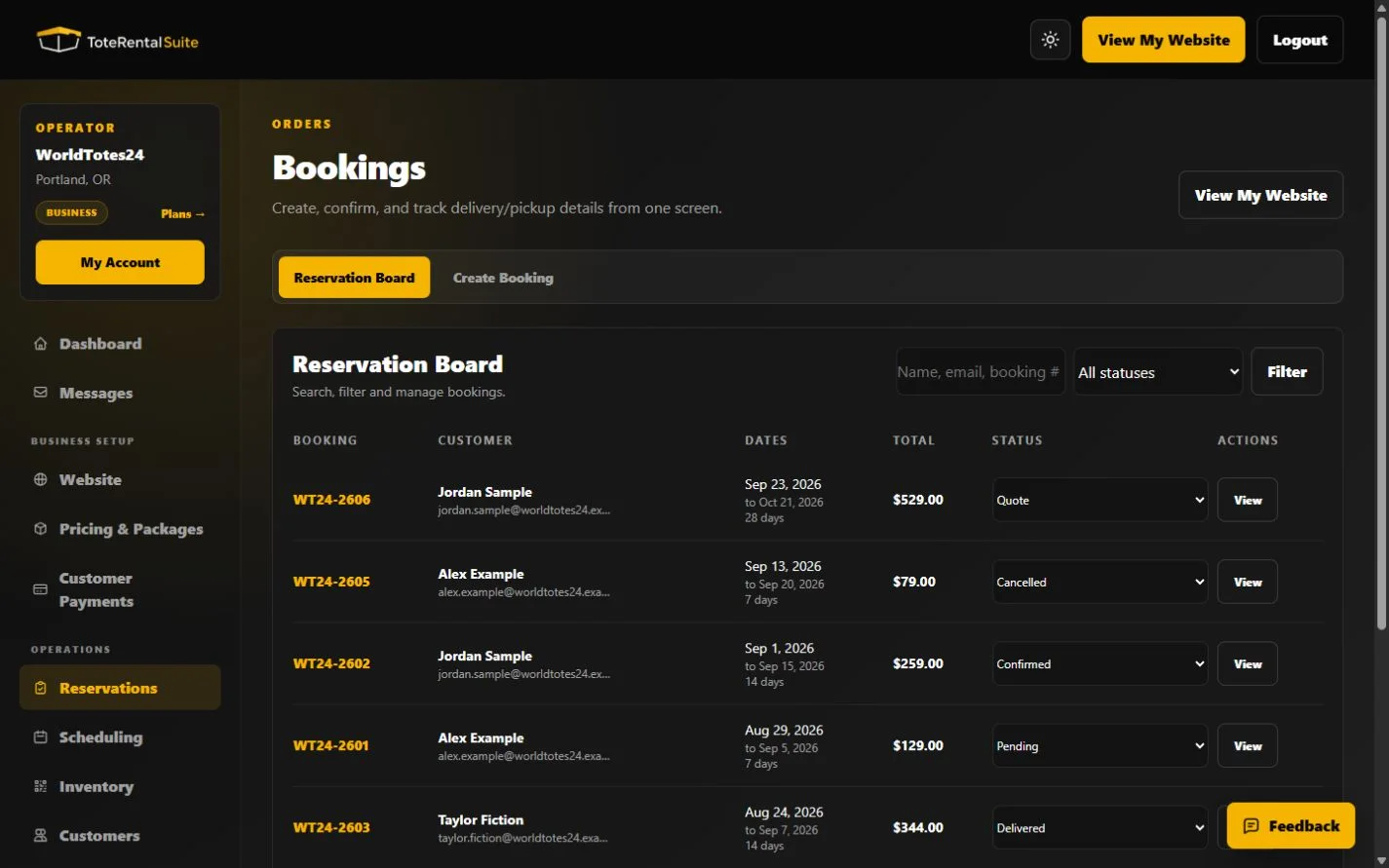
Search, filter, inspect, and update reservations across the six supported statuses.
Find and act on reservations
Search by customer name, email, or booking number and filter by status. The board shows dates, total, current status, and a link to the detailed workflow.
Update carefully
The inline status control saves immediately. Before changing delivered or completed states, inspect the detail page for payment requirements, delivery and return information, and asset state.