SMS & locations
Manage operating locations
Create up to the plan limit, choose a primary location, and keep service-area details accurate.
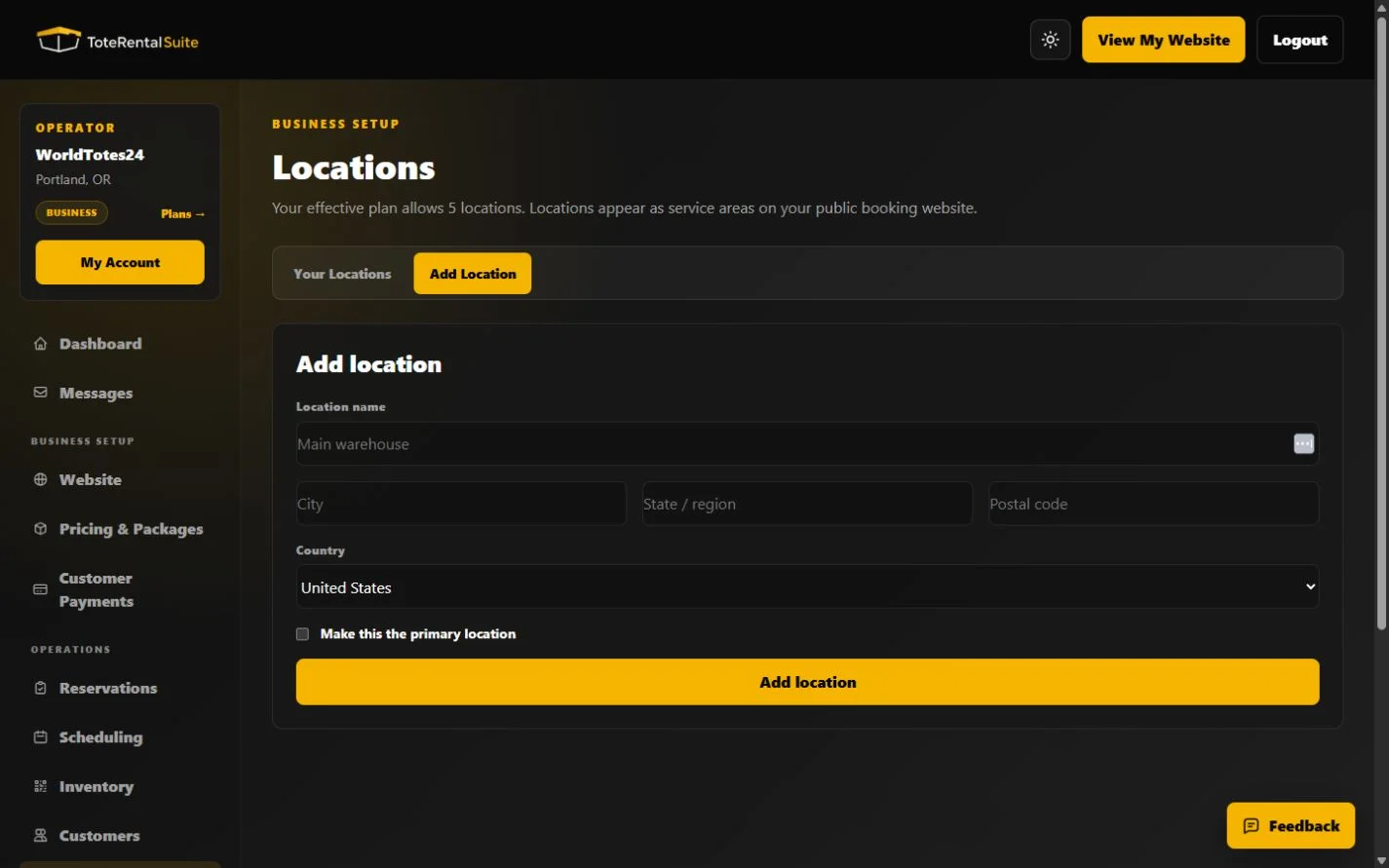
Location limits and fields
Free and Growth support one location, Pro supports up to five, and Business supports up to ten. The current location form stores a name, city, region, postal code, country, and primary designation. Locations are active when created; the current UI offers edit and delete rather than a separate active-state switch.
- Add the real operating site
Use an address customers or staff can rely on.
- Choose one primary location
Primary identifies the default operating location.
- Keep the service area accurate
Edit the location details when an operating address or service area changes. Delete a location only when you intend to remove it from the account.
- Preview the public site
Verify only intended customer-facing locations and map links appear when the public website is enabled.