

Website & branding
Brand and edit your public website
Choose the customer-facing theme, colors, images, page copy, fulfillment text, FAQs, and social links.
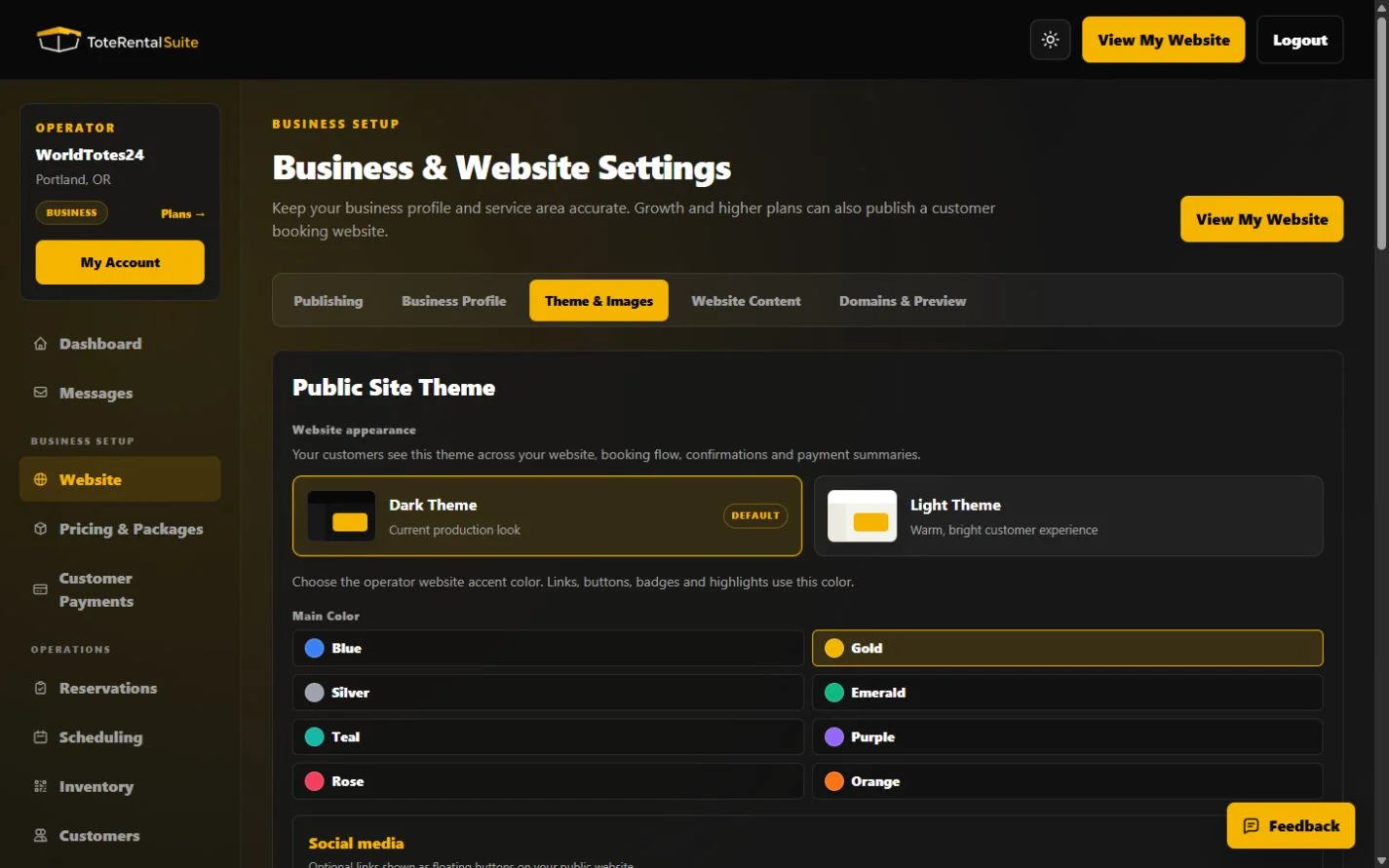
Theme & Images
Choose a dark or light public-site theme, select brand colors, add social links, set hero call-to-action copy, upload supported images, and define fulfillment and time-window options. This public theme is separate from your private workspace theme.
Website Content and search appearance
Edit the hero, about, service-area, contact, and featured-package sections. Search titles, descriptions, canonical URLs, social previews, and structured data are generated from your business profile, service areas, packages, images, and FAQs. Optional SEO title and meta-description overrides are available under Search Appearance. Featured package selection highlights an existing public package; it does not create a new package or change its price.
- Write for customers
Explain what is included, where you serve, and what happens after a request.
- Review Search Appearance
Keep the automatic title and description unless a short, accurate override better represents the business.
- Preview the customer site
Use View My Website after every material content or image change.
- Check both themes
Verify text and brand colors remain readable in the selected public theme.