

Website & branding
Connect a custom domain
Save a domain, apply the exact DNS guidance shown in ToteRentalSuite, and request review.
Use the on-screen DNS instructions
After you save a custom domain, ToteRentalSuite normalizes the host and displays the exact CNAME or root-forwarding guidance for that domain. DNS values are deployment-specific, so the settings screen is authoritative.
- Save the domain
Enter only a domain you control. The product normalizes common www formatting.
- Update DNS at your provider
Copy the exact target shown on screen. Do not substitute values from an old article or another account.
- Request review
After DNS propagates, use the review action. Status moves through pending, review requested, and active.
- Test HTTPS and booking
An active badge is not a substitute for opening the live domain and submitting a safe test request.
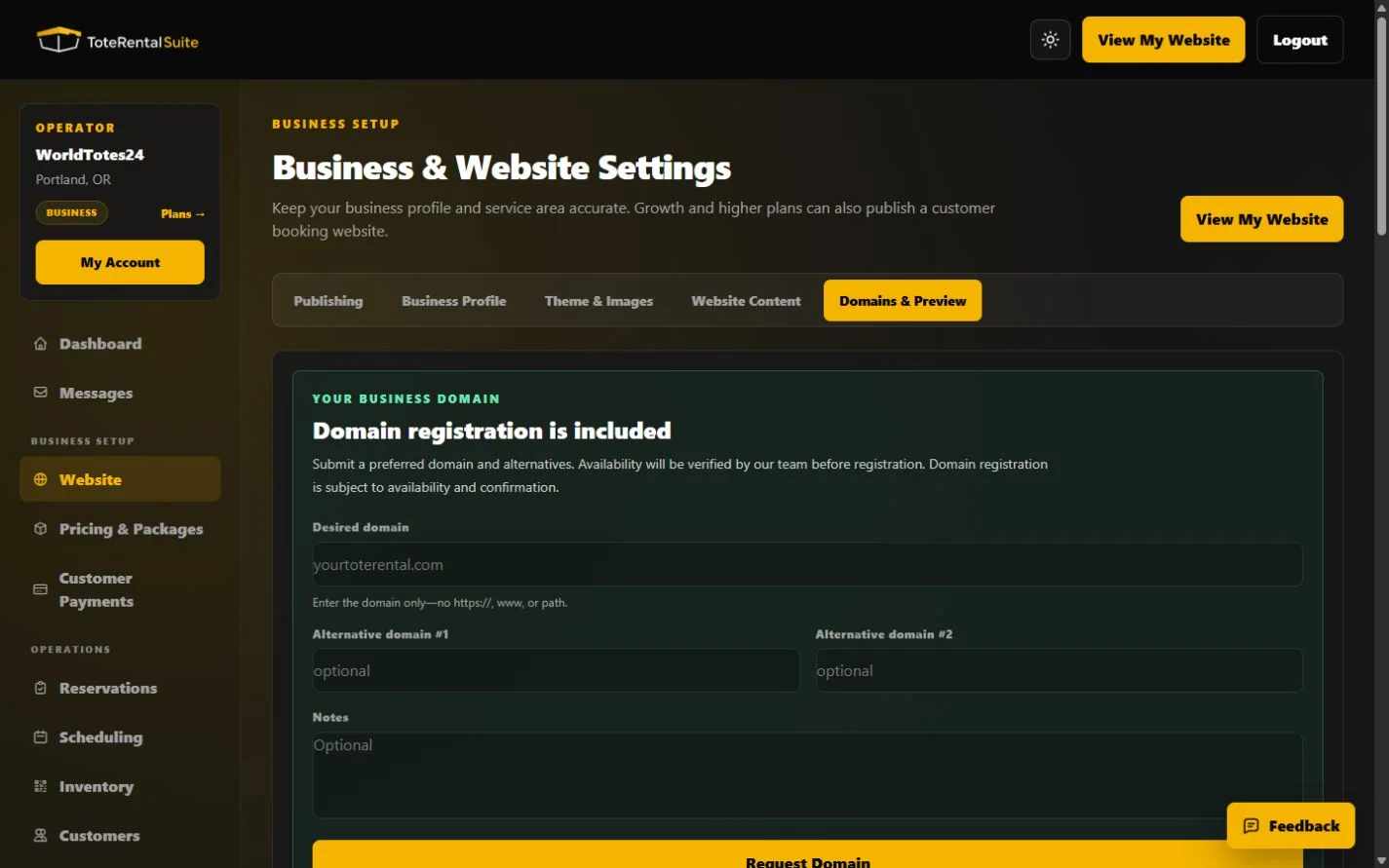
Business domain registration request
Business includes a domain registration request workflow. It is distinct from connecting a domain you already own. Submission does not make DNS active immediately.