

Website & branding
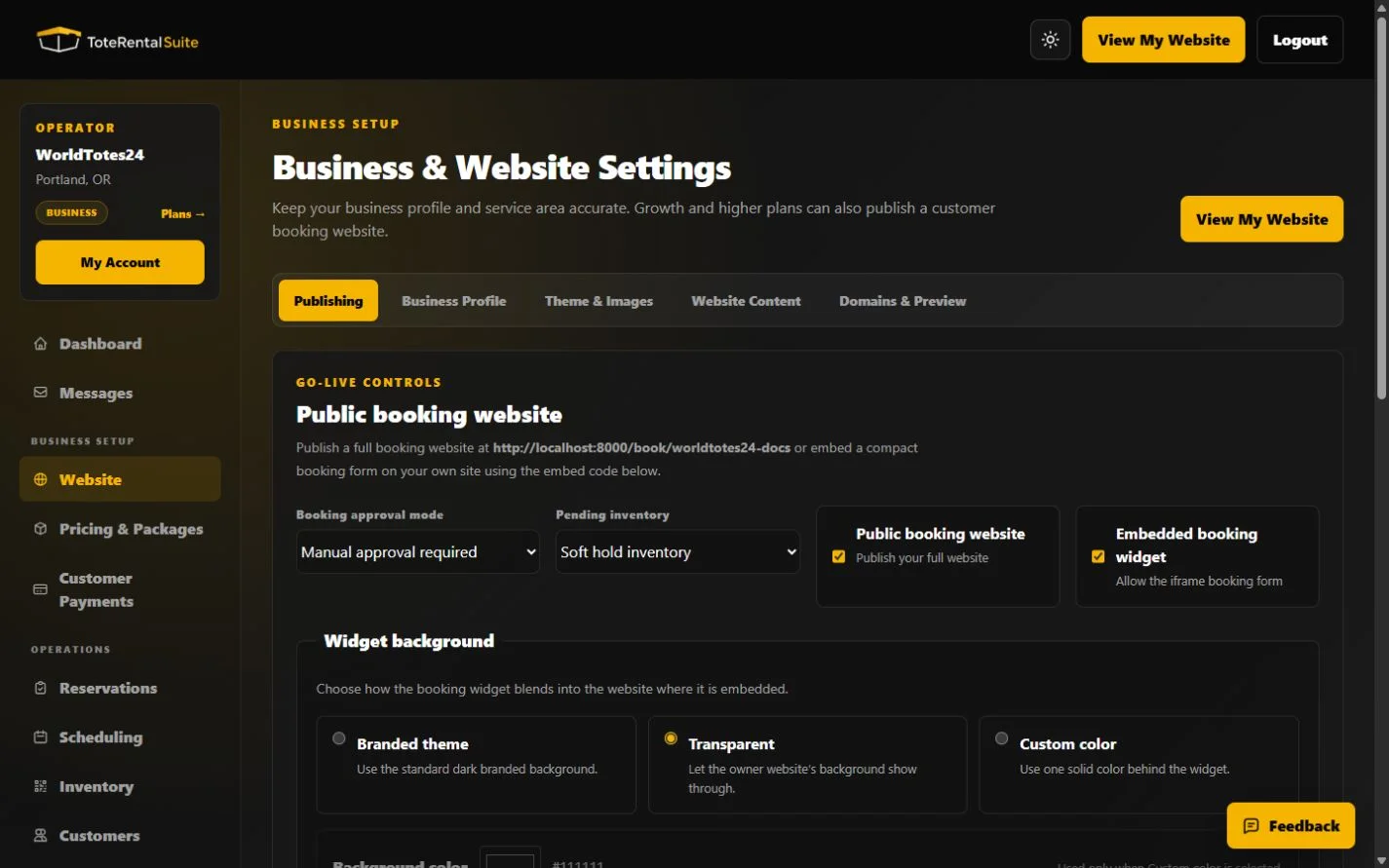
Publish your booking website and widget
Control website and widget availability, request approval behavior, and pending inventory handling.
Choose the public workflow
Publishing controls whether the full website and embedded widget are enabled. Approval mode determines whether a valid request starts as pending, is automatically confirmed, or is saved as a quote.
- Choose approval mode
Use manual approval for pending requests, automatic approval for immediate confirmation, or quote mode when pricing needs review.
- Set pending inventory behavior
Choose whether pending requests soft-hold capacity or do not hold it. This setting matters only to pending reservations.
- Enable the website and widget
Each surface has its own switch. Save before copying or testing the URLs.
- Open both customer views
Verify package visibility, prices, dates, fulfillment, agreement language, and contact information.
Plan access
Free accounts can customize and publish the hosted public booking website on their ToteRentalSuite URL, including rental terms, FAQs, generated search metadata and editable SEO title/meta fields. Growth and higher add the embedded widget, a custom top-level domain and unlimited bookings.