Inventory & QR
Print QR labels
Generate the label sheet for existing asset records and verify scanning before field use.
Print and test
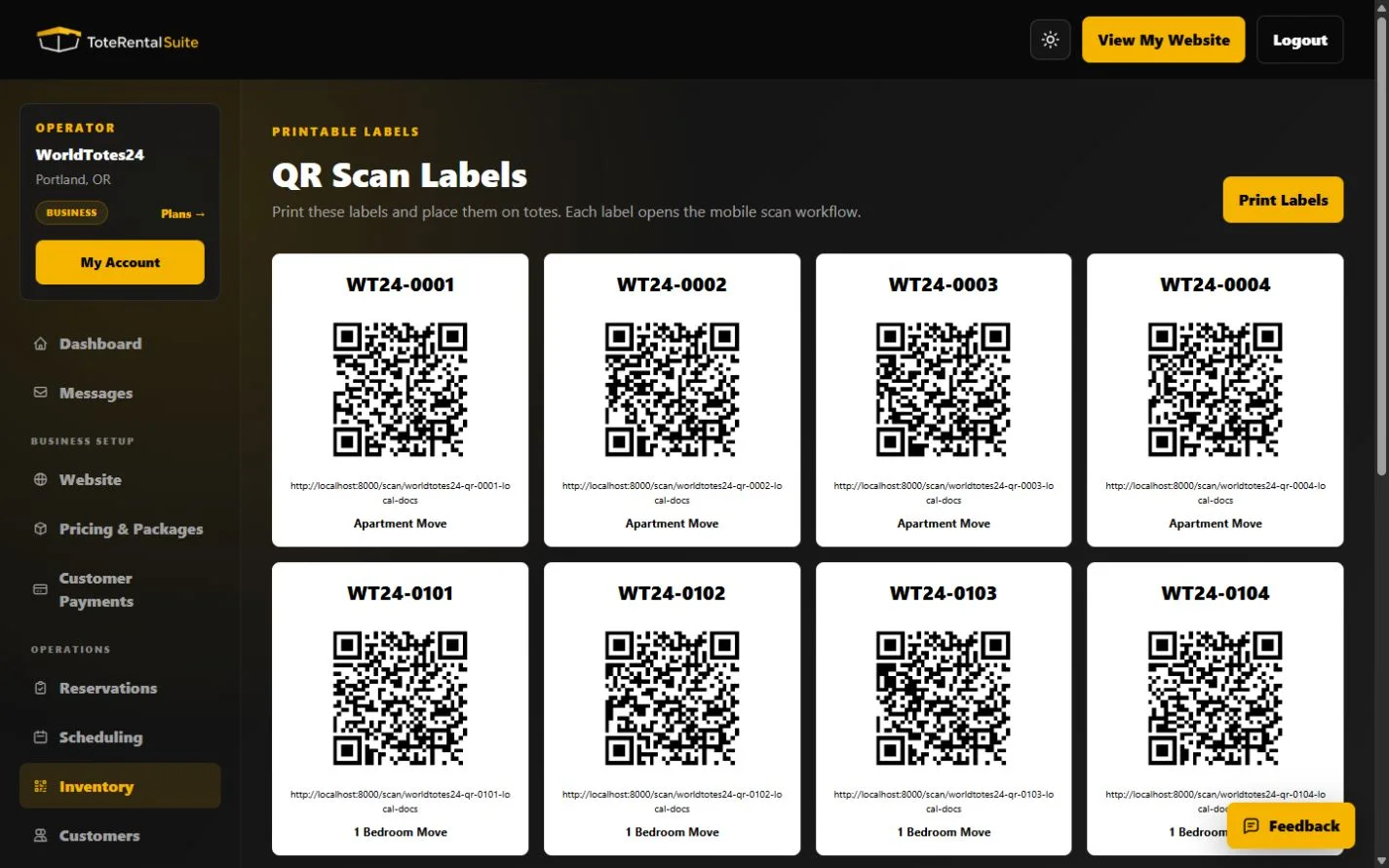
The labels page renders a QR code for each asset’s public scan URL. Print at a size and material appropriate for repeated handling, then scan samples with the same phone model staff will use.
- Confirm asset records
Create and review the inventory assets before printing.
- Open Print QR Labels
Allow the QR images to finish loading before printing.
- Print a small batch first
Test contrast, physical durability, and scan distance.
- Scan before application
Verify each sampled code opens the intended asset rather than a stale or copied label.