

Inventory & QR
Scan and update a QR asset
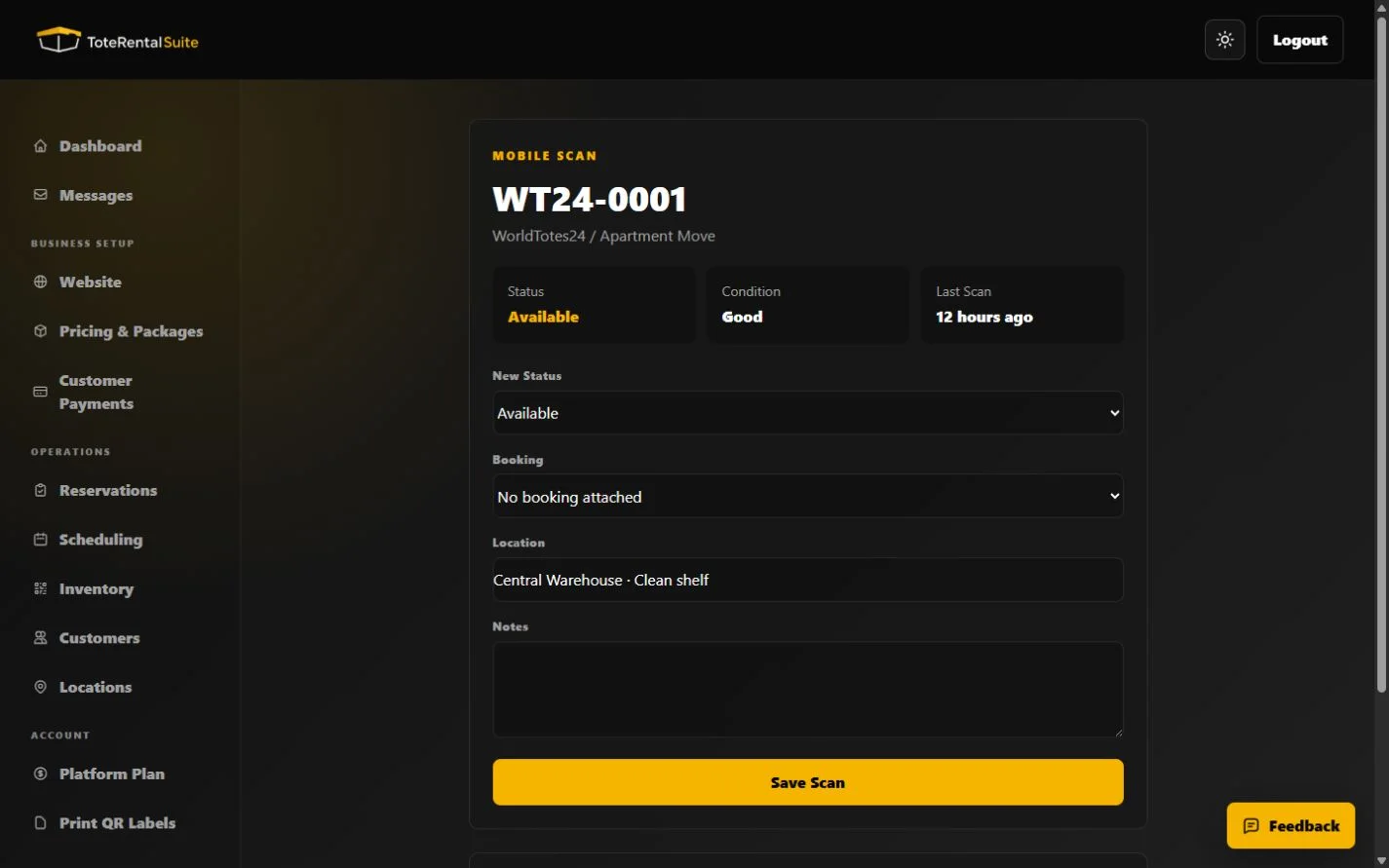
Use the public tokenized scan page to record status, booking, location, and notes.
What the scan page can record
The public scan URL identifies one asset. A scan can update its status and optionally associate booking context, location, and notes. The token is part of the URL, so treat label access as operational access.
Safe scan procedure
- Verify the asset code
Match the visible asset identifier to the physical tote.
- Choose the observed state
Record what has actually happened, not the desired future state.
- Add context
Include booking, location, and concise notes when they help another operator understand the handoff.
- Confirm the history
Return to Inventory or the dashboard QR activity feed and verify the scan.