

Customer payments
Connect Stripe for customer payments
Start the server-generated Stripe OAuth flow, complete Stripe’s steps, and verify account readiness.
Connect through ToteRentalSuite
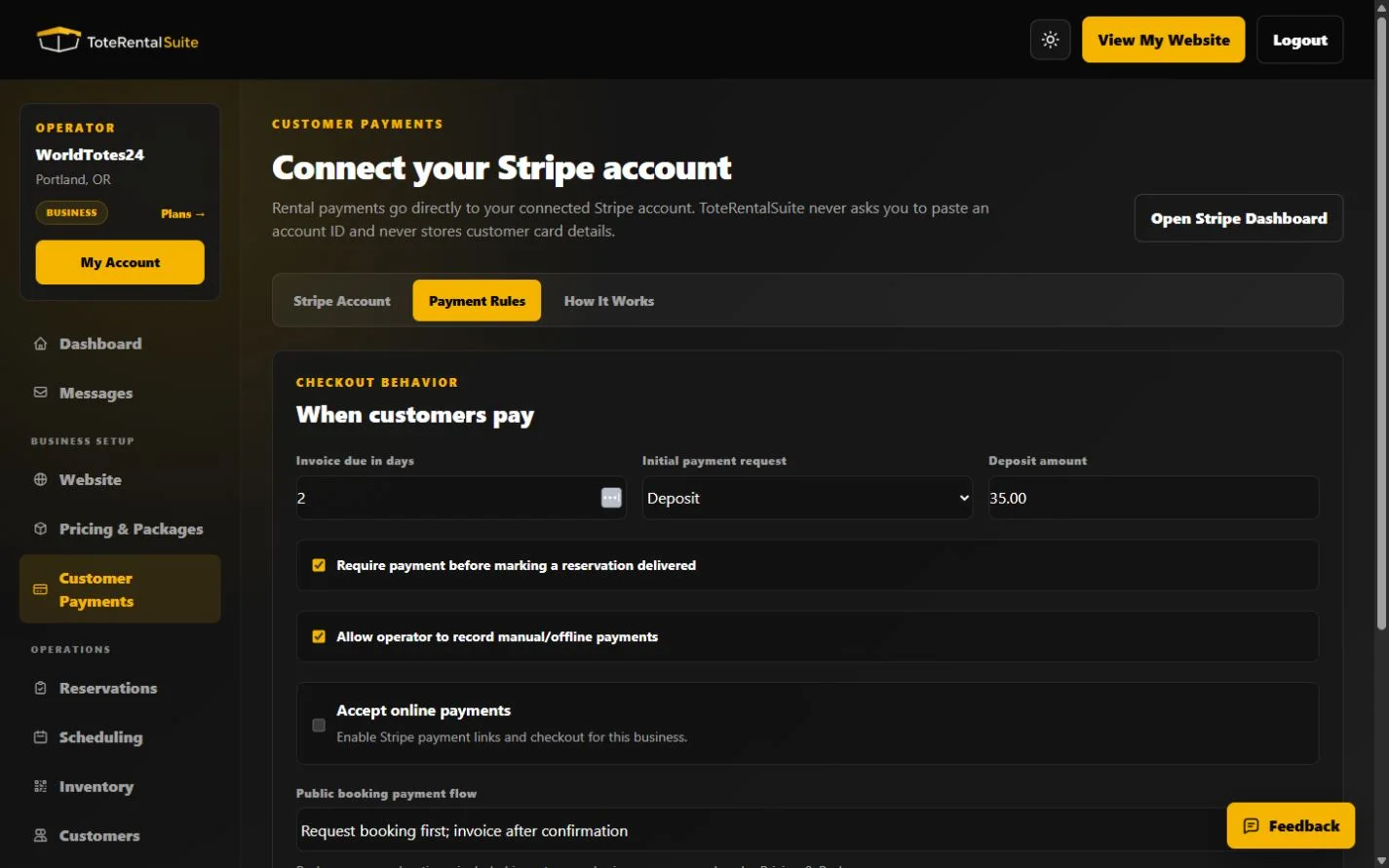
Choose Connect with Stripe. ToteRentalSuite generates the OAuth request and state, Stripe handles the hosted account flow, and the callback synchronizes the connected account. Never paste an account ID into a message or form unless the product explicitly provides a supported field.
- Open Customer Payments
Confirm the platform connection service is shown as ready before continuing.
- Choose Connect with Stripe
Complete the Stripe-hosted flow in the account that should receive customer payments.
- Return to ToteRentalSuite
The status can be disconnected, onboarding, restricted, or ready. Use Continue or reconnect when Stripe still needs information.
- Refresh status
Refresh after resolving Stripe requirements. Enable online payments only when the account can accept charges.
Stripe-hosted details
Stripe collects and verifies the required business and identity information. ToteRentalSuite does not ask you to send sensitive onboarding data or card details to support.